
How to scrape product variants and stock status
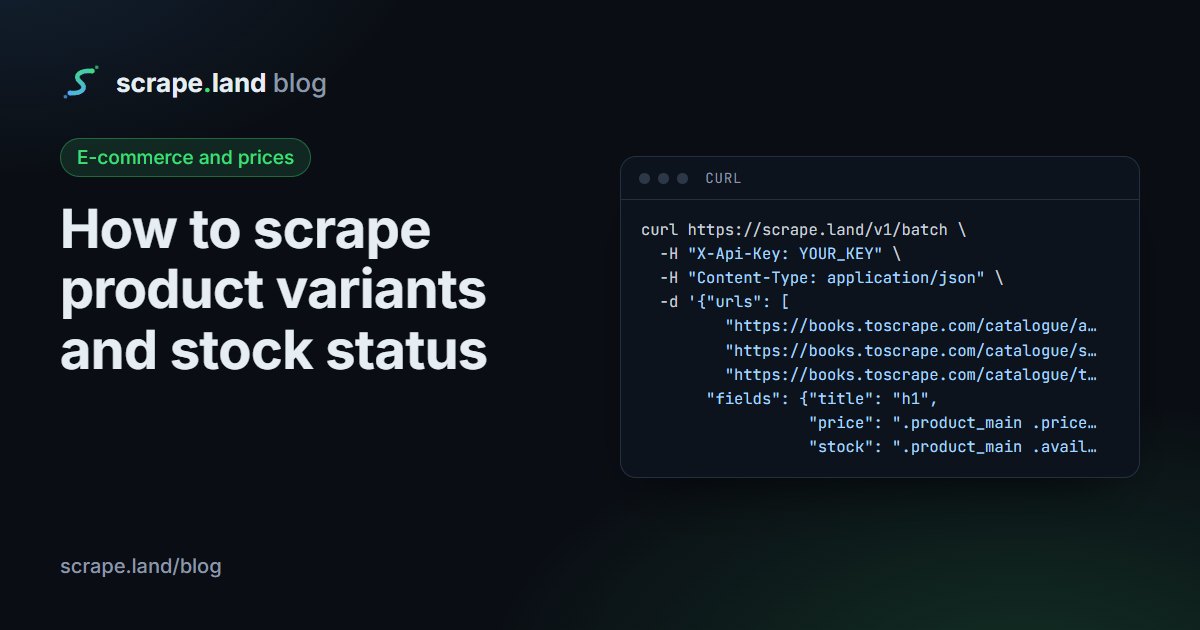
A price on its own is half the story. Whether the item is in stock, how many are left, and which sizes or colours are still available decide whether a price matters at all. This guide shows three ways to scrape product variants and stock status: reading the availability text with CSS, listing variants from the page's own selectors, and reading schema.org offers from the page's JSON-LD.
Stock status from the availability text
Most shops print availability near the price: "In stock", "Only 3 left", "Out of stock". On books.toscrape.com, a practice shop, it is the .availability element inside .product_main. POST /v1/batch reads it from several product pages in one call:
curl https://scrape.land/v1/batch \
  -H "X-Api-Key: YOUR_KEY" \
  -H "Content-Type: application/json" \
  -d '{"urls": [
         "https://books.toscrape.com/catalogue/a-light-in-the-attic_1000/index.html",
         "https://books.toscrape.com/catalogue/sharp-objects_997/index.html",
         "https://books.toscrape.com/catalogue/the-requiem-red_995/index.html"],
       "fields": {"title": "h1",
                  "price": ".product_main .price_color",
                  "stock": ".product_main .availability"}}'
The real response, with the URLs shortened:
{
  "results": [
    {"url": "https://books.toscrape.com/catalogue/a-light-in-the-attic_1000/index.html",
     "status": 200,
     "data": {"title": "A Light in the Attic", "price": "£51.77", "stock": "In stock (22 available)"}},
    {"url": "…/sharp-objects_997/index.html",
     "status": 200,
     "data": {"title": "Sharp Objects", "price": "£47.82", "stock": "In stock (20 available)"}},
    {"url": "…/the-requiem-red_995/index.html",
     "status": 200,
     "data": {"title": "The Requiem Red", "price": "£22.65", "stock": "In stock (19 available)"}}
  ]
}
Text like "In stock (22 available)" is for people. Turn it into two fields you can filter and chart: a yes/no and a quantity when the page gives one.
import re

def parse_stock(text):
    """'In stock (22 available)' -> (True, 22); 'Out of stock' -> (False, 0)."""
    t = " ".join((text or "").split()).lower()
    if not t:
        return None, None                     # no availability shown: unknown, not "out"
    if any(w in t for w in ("out of stock", "sold out", "unavailable")):
        return False, 0
    m = re.search(r"(\d+)\s*(?:available|left|in stock)", t)
    return True, int(m.group(1)) if m else None

print(parse_stock("In stock (22 available)"))   # (True, 22)
print(parse_stock("Only 3 left"))               # (True, 3)
print(parse_stock("Sold out"))                  # (False, 0)
Check for "out of stock" before "in stock", because the first contains the second. And keep "no availability text" as unknown rather than out of stock: a missing element usually means the page changed, not that the item sold out.
The same page also has a product information table with a row per attribute (UPC, prices, tax, availability, reviews). A group reads every row as a label and a value, which is handy when the stock line lives in a table rather than a badge:
{"info": {"css": "table.table-striped tr",
          "fields": {"label": "th", "value": "td"}}}
On the first book, one of the rows that came back was {"label": "Availability", "value": "In stock (22 available)"}.
Variants from the page's own markup
Sizes and colours are usually a <select> or a row of swatch buttons, and shops mark the sold-out ones: a disabled attribute, a class such as .sold-out, or a data- attribute. Ask for the options twice, once including and once excluding the sold-out marker, and you get both lists without any post-processing. This example is illustrative, for a shop at shop.example:
curl https://scrape.land/v1/extract \
  -H "X-Api-Key: YOUR_KEY" \
  -H "Content-Type: application/json" \
  -d '{"url": "https://shop.example/product/linen-shirt",
       "fields": {
         "sizes_available": {"css": "select[name=size] option:not([disabled]):not([value=\"\"])", "all": true},
         "sizes_sold_out":  {"css": "select[name=size] option[disabled]", "all": true},
         "colours_available": {"css": ".swatch:not(.sold-out)", "attr": "title", "all": true},
         "colours_sold_out":  {"css": ".swatch.sold-out", "attr": "title", "all": true}
       }}'
"all": true returns every match as an array, and "attr" reads an attribute (here the swatch's title, which usually holds the colour name) instead of the text. The :not([value=""]) part skips a placeholder such as "Choose a size" when it is written as <option value="">; if the placeholder has no value at all, drop the first item in your code instead.
Read markers by selector, as above, rather than by reading the attribute's value: in our test, an attribute read on an element that does not have that attribute came back as an empty string, not null, so an empty disabled looks the same whether the option is disabled or not.
Offers from JSON-LD
Many shops publish a schema.org Product in JSON-LD for search engines, and its offers carry the price, currency and availability in a fixed format. When it is there, it is more stable than the visible layout. Fetch the page with "metadata": true and read metadata.jsonld:
curl https://scrape.land/v1/fetch \
  -H "X-Api-Key: YOUR_KEY" \
  -H "Content-Type: application/json" \
  -d '{"url": "https://scrape.land/", "format": "text", "metadata": true}'
Not every shop has it. books.toscrape.com, for one, returns title, description and lang in metadata but no jsonld at all. Our own homepage does publish a Product, so it makes a small real example. The Product entry from its jsonld array:
{
  "@context": "https://schema.org",
  "@type": "Product",
  "name": "scrape.land",
  "brand": {"@type": "Brand", "name": "scrape.land"},
  "description": "A web data-extraction platform. …",
  "image": "https://scrape.land/static/og-v3.png",
  "offers": {
    "@type": "AggregateOffer",
    "availability": "https://schema.org/InStock",
    "description": "per 1,000 requests, from Starter ($0.165) to Business Ultra ($0.100)",
    "highPrice": "0.165",
    "lowPrice": "0.100",
    "offerCount": "8",
    "priceCurrency": "USD"
  }
}
This product is sold at several prices, so offers is an AggregateOffer: one object with a lowPrice, a highPrice and an offerCount instead of a single price. A product with exactly one price has a plain Offer with price. A product sold in several sizes or colours usually has a list of offers instead, one per variant with its own sku, price and availability, or a ProductGroup whose hasVariant lists one Product per variant. Code that handles all of these shapes:
import requests

def offers(url):
    r = requests.post("https://scrape.land/v1/fetch",
                      headers={"X-Api-Key": "YOUR_KEY"},
                      json={"url": url, "format": "text", "metadata": True},
                      timeout=60)
    r.raise_for_status()
    rows = []
    for node in r.json().get("metadata", {}).get("jsonld", []):
        products = node.get("hasVariant", [node]) if isinstance(node, dict) else []
        for p in products:
            if p.get("@type") not in ("Product", "ProductGroup"):
                continue
            o = p.get("offers") or []
            for offer in (o if isinstance(o, list) else [o]):
                rows.append({
                    "name": p.get("name"),
                    "sku": offer.get("sku") or p.get("sku"),
                    "price": offer.get("price") or offer.get("lowPrice"),  # AggregateOffer: the lowest price
                    "currency": offer.get("priceCurrency"),
                    "in_stock": str(offer.get("availability", "")).endswith("InStock"),
                })
    return rows
When variants load with JavaScript
Some shops send an empty size menu and fill it in the browser, or only show stock after you pick a colour. A plain fetch then returns the menu with no options. Add "render": true so a real browser runs the page first, and "wait_for" with a selector for the options so the read waits for them. When stock appears only after a click, actions can click the swatch before the page is read. Illustrative request:
curl https://scrape.land/v1/extract \
  -H "X-Api-Key: YOUR_KEY" \
  -H "Content-Type: application/json" \
  -d '{"url": "https://shop.example/product/linen-shirt",
       "render": true,
       "block_resources": true,
       "actions": [{"type": "click", "selector": ".swatch[title=Navy]"},
                   {"type": "wait_for", "selector": ".stock-message"}],
       "fields": {"stock": ".stock-message",
                  "sizes_available": {"css": "select[name=size] option:not([disabled])", "all": true}}}'
The response has the same data shape as a plain extraction. block_resources skips images, fonts and media, which does not change the DOM your selectors read. Before you reach for a browser, try the JSON-LD route: shops that build the menu with JavaScript often still ship every variant in the page's JSON-LD.
What it costs
A CSS extraction or a fetch with metadata is 1 request unit per page. A render is 5 units, or 1 with "block_resources": true. The batch above cost 3 units, one per URL. Blocked or failed requests are not billed. See pricing.
Next steps
To be told when stock or prices change, see building a price drop alert. More on JSON-LD is in page metadata and JSON-LD, and the render options are in the docs. Create a free account to try the batch above.